If you preach on Sundays and work somewhere else Monday through Friday, your sermon preparation has to fit around a job, a household, and whatever else the week brings. Four hours is a realistic figure for many volunteer preachers, and some weeks it is less. The tools that serve a full-time pastor with a study, a staff, and a software budget are often the wrong tools for that schedule.
This article sorts the best digital tools for sermon preparation by the job each one does: capture, research, outlining, and storage. It also covers a few physical tools worth keeping and a simple weekly workflow. Where a free option does the job, it comes first. If you want background on why this site exists, this page explains it.
Why a volunteer preacher needs a different toolkit than a full-time pastor
A full-time pastor can spend a morning learning a new program, and the cost of that morning is small compared with the benefit over years of daily use. A volunteer preacher does not have that margin. An hour spent learning a feature is an hour taken from reading the passage.
Three constraints shape what a volunteer needs.
- Time arrives in fragments. Preparation happens in lunch breaks, commutes, and the twenty minutes after the children are in bed. Tools must work on a phone as well as a desk.
- Money is limited. A large library license or an annual subscription may be hard to justify when the preaching is unpaid. Free and low-cost tools exist that cover most of what a sermon needs.
- Continuity matters more. You may preach every week, or you may preach once a month. Either way, you need to find where you left off and what you said last time.
A good toolkit for this situation is small. Two or three tools that you open every week will serve you better than ten that you set up once and forget.
Capture: where to keep sermon ideas before they disappear
Sermon ideas come at bad times: during a meeting, while driving, in the middle of a conversation, or when you are reading something unrelated. If you do not write them down within a few minutes, most of them are gone. Capture is the job of getting the thought somewhere safe with as little effort as possible.
I
The best capture tool is the one already on your phone and already open. That usually means one of these:
- The notes app that came with your phone. Apple Notes and Google Keep both sync across devices at no cost, open quickly, and accept text, lists, and photos. For capture, speed matters more than features.
- A voice memo. When you are driving or walking, speaking a thought takes seconds. The weakness is retrieval, since audio is harder to search than text. If you use voice memos, listen to them once a week and turn the useful ones into a typed line.
- A single running note. Keep one note titled with the passage or series you are working on, and add to it at the bottom. A single note is easier to review than dozens of scattered ones.
Whatever you choose, pick one place. Ideas split across a notebook, a text message to yourself, and three apps do not get reviewed. Once a week, move what is worth keeping from your capture tool into your outline, and delete or ignore the rest.
If you use a tool that supports tags, a short set is enough: the passage, a theme, and perhaps “illustration” for stories and examples. A long tagging system takes more effort to maintain than it returns.
Research: Bible software and commentary options that work on a small budget
Research is where most of the time goes, and where most of the software spending temptation lies. Large paid libraries are powerful, but a volunteer preacher can do careful, faithful study with free and inexpensive resources. What matters is that you have access to the text in the original languages through lexicons, to several translations, and to a few reliable commentaries.
Free Bible study sites and apps
- Blue Letter Bible is a free site and app that offers multiple translations, interlinear tools, and lexicons linked to the text. It is useful when you want to see how a word is used elsewhere without owning Greek or Hebrew reference books.
- STEPBible, from Tyndale House in Cambridge, is a free tool for working with the original languages and comparing translations. Its layout takes a little time to learn, but it rewards a short session of practice.
- Bible Gateway gives free access to many translations side by side and includes some reference works. It also offers a paid tier for more resources, but the free version is enough for translation comparison.
- e-Sword and The Word are free desktop programs for Windows. Both let you install additional modules, and many public domain commentaries and dictionaries are available for them. Check that the module you download is in the public domain or offered with the publisher’s permission.
- YouVersion is useful mainly for reading and comparing translations on a phone. It is a convenience tool more than a research tool.
Commentaries
Commentaries are the expensive part of sermon study, but you do not need many. A common approach is to use two or three on the passage you are preaching: one technical, one more pastoral, and one that comes from a tradition different from your own, so that your reading is tested against another view.
Public domain commentaries cost nothing. Matthew Henry, John Gill, Albert Barnes, and the sermons of Charles Spurgeon are all in the public domain and widely available in digital form through the free tools above. Their age shows in places: they predate modern archaeological and linguistic work. They are still good sources for how Christians have read a passage across generations.
For modern commentary, check whether your local library, a nearby seminary, or a church with a pastor’s library will let you borrow. Some libraries offer digital lending of books. A single well-chosen commentary bought used often costs less than a monthly software subscription.
When paid software is worth considering
Large platforms such as Logos, Accordance, and Olive Tree offer deep libraries, search across many books, and integrated workflows. If you preach often and expect to continue for years, a smaller starter package from one of them may eventually be worth it. Check the current pricing and what each package includes on the publisher’s own site before deciding, since packages change. A sensible test is whether you have hit a specific limit in the free tools more than once. If you cannot name the limit, you probably do not need the upgrade yet.
Outlining and drafting: tools that keep a manuscript or notes organized
Once your study is done, the sermon needs a shape. The tool for this job should make it easy to move sections around, see the whole structure at once, and print or read from it on Sunday.
A plain word processor
Google Docs, Microsoft Word, and LibreOffice Writer are all adequate. Google Docs and LibreOffice Writer are free. Google Docs has the advantage of syncing, so you can edit on your phone during a break and open the same file on a laptop in the evening. Its heading styles also produce an outline panel at the side of the page, which helps you check the structure of a sermon without extra software.
A simple template helps. At the top of each sermon document, keep the same few labels:
- Passage and translation
- Main point in one sentence
- Outline with headings
- Notes and quotations, with sources
- Date and place preached
Reusing this skeleton means you spend your preparation time on content instead of on formatting. It also makes the archive easier to search later.
Notes apps with linking
Apps such as Obsidian, OneNote, and Notion let you link notes together and keep passages, themes, and illustrations in one place. Obsidian stores plain text files on your own device and is free for personal use. OneNote is free with a Microsoft account. These can be useful if you like building connections between sermons, but they involve a setup cost. If you have not used them before, begin with a word processor and move later if you find you need more.
Outline first, manuscript second
Whether you write a full manuscript or preach from notes is a matter of your gifts and your congregation. Whichever you choose, write the outline first and let it be short enough to fit on a single screen. If the outline cannot be read at a glance, the sermon is likely to be hard to follow for listeners too.
Storage and recall: building a sermon archive you can search in five years
Most preachers will want to find an old sermon at some point. You may be asked to preach on the same passage again, you may want to see what you said about a theme, or you may want to avoid repeating an illustration in the same congregation. An archive makes this possible, but only if it is set up consistently.
One folder, one naming pattern
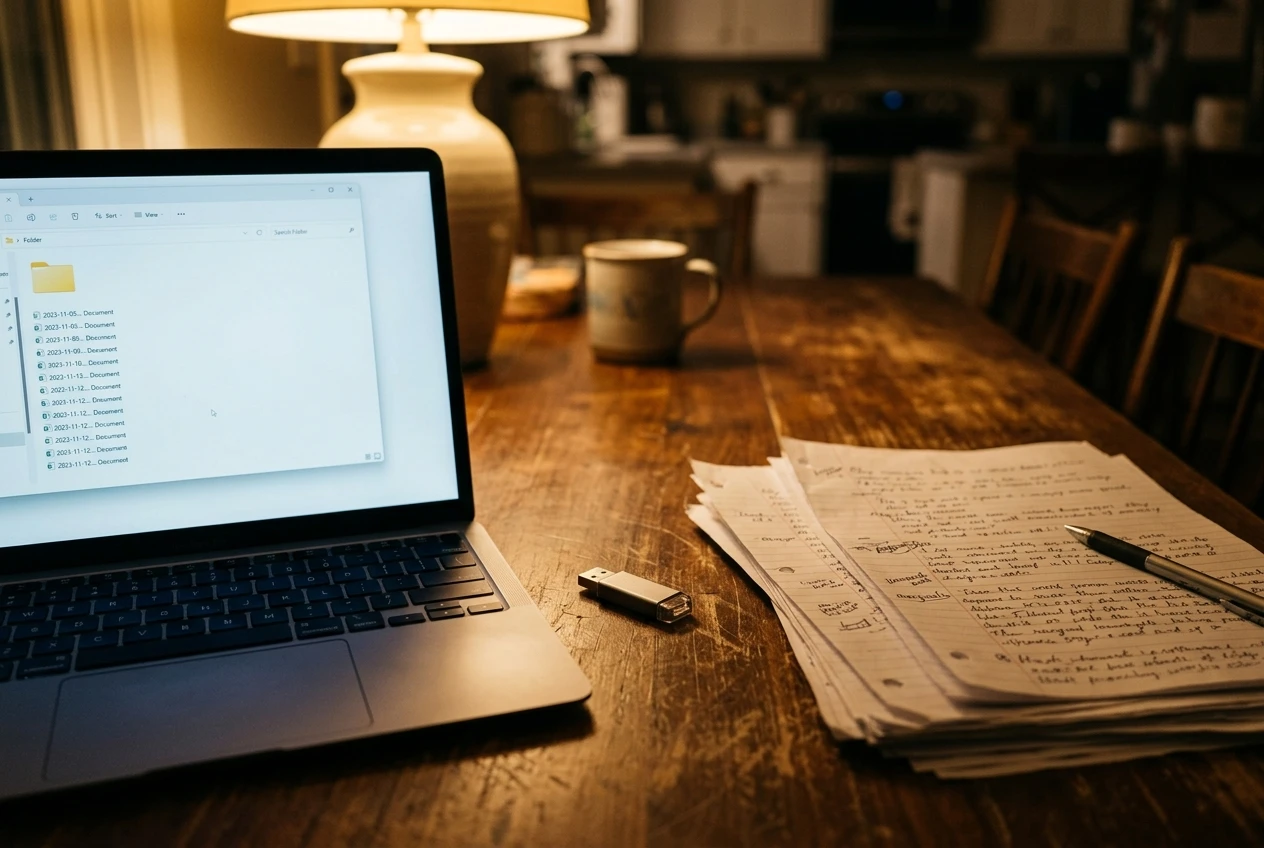
Keep every sermon in one folder in a cloud service such as Google Drive, OneDrive, or Dropbox. Use a naming pattern that sorts correctly and includes the information you will search for. For example, begin with the date in year-month-day order, then the passage, then a short title. A file named 2026-10-18 Ruth 1 Staying Faithful sorts by date and can be found by searching for the book or the title.
Do not sort sermons into elaborate subfolders by topic. A topic hierarchy requires decisions each time you file, and many sermons fit more than one topic. A flat folder with consistent names and the search function of the cloud service is easier to maintain.
Make the text searchable
Plain documents and notes are searchable. Scanned handwritten pages and photos are generally not, unless you run text recognition on them. If you prefer to write by hand, photograph the pages and keep a short typed summary in your archive with the passage, main point, and key illustrations. The summary is what you will search.
Keep a short index
A single document or spreadsheet listing each sermon, with date, passage, main point, and where it was preached, takes about two minutes to update after each sermon. Over a few years it becomes a fast way to scan your preaching history. It also shows which parts of Scripture you have preached often and which you have rarely touched.
Back it up
Cloud services protect against a lost phone or a broken laptop, but an occasional second copy on a USB drive or an external disk protects against a lost account. Copy the sermon folder to a second location a few times a year.
Physical tools still worth keeping on the desk
Digital tools are fast, but a few physical items still earn their place, especially for someone who studies in short sessions and wants to reduce screen distractions.
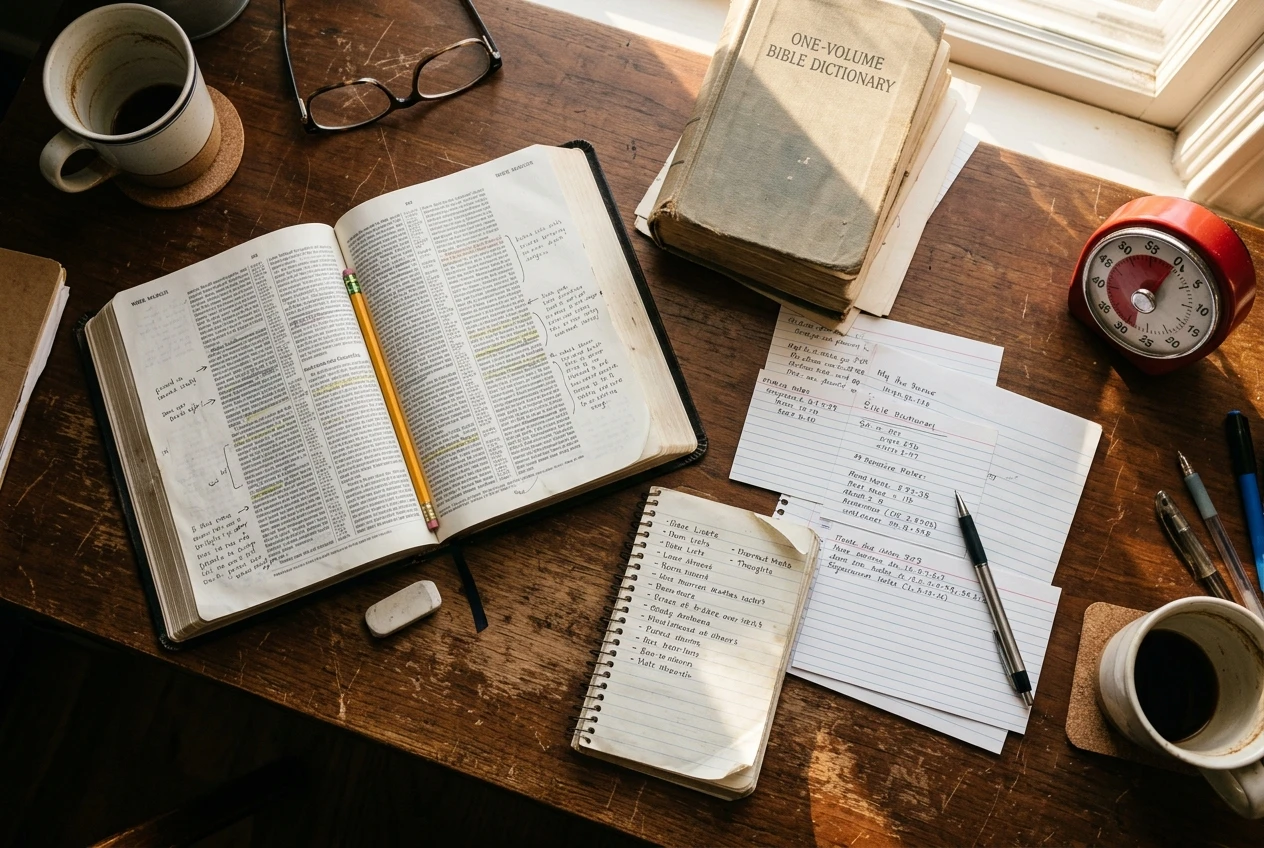
- A printed Bible you preach from. Marking a passage by hand makes you slow down over it. A wide-margin or journaling edition gives room for notes. Choose a translation you read comfortably and use it regularly so that you know where things are on the page.
- A notebook or index cards. A small notebook keeps handwritten captures when a phone is not appropriate, such as during a service or a hospital visit. Index cards are useful for illustrations: one story or quotation per card, filed by theme.
- A printed copy of your sermon. A phone or tablet is convenient in the pulpit, but a printed page does not run out of battery, dim its screen, or interrupt you with notifications. Many preachers print their notes in a large font even when they prepare digitally.
- A single physical commentary or reference book. If you can only own one, a good one-volume Bible dictionary or handbook on the Bible can answer many background questions quickly without opening a laptop.
- A timer. A kitchen timer or a clock on the desk keeps a short study session honest. When you have forty-five minutes, a visible limit helps you decide what to cut.
How to build a one-hour-a-week workflow from two or three tools
The following plan assumes about four hours of preparation each week, with roughly one hour of that spent handling tools: reviewing captured ideas, setting up the document, and filing the finished sermon. The rest goes to reading, thinking, and praying over the text. Adjust the times to your own schedule.
Pick three tools, one for each of these jobs:

- Capture: your phone’s notes app.
- Research: one free Bible study site, plus whichever commentaries you have access to.
- Outline, draft, and storage: a word processor with cloud storage.
Then follow a weekly rhythm.
Early in the week (about 15 minutes of tool time). Open your capture note and read what you collected. Copy anything relevant to the coming passage into a new sermon document made from your template. Clear the capture note of items you have used.
Midweek (research sessions). Read the passage several times in two or three translations. Use your Bible study site to check key words and the context of the passage. Consult your commentaries only after you have formed a first reading of your own, so that they sharpen your thinking instead of replacing it.
Later in the week (about 30 minutes of tool time). Write the outline in your word processor and check that the main point fits in one sentence. Draft the manuscript or notes. Add sources for any quotations while you remember where they came from.
After preaching (about 15 minutes of tool time). Save the final version with the date-passage-title name, add a line to your index, and note anything you would change next time. Those notes help the next preparation.
If a tool is not part of this rhythm, you probably do not need it yet. You can add one later when a specific need appears.
What to skip: features that cost time and money without improving the sermon
Many tools advertise features that look useful but do little for a preacher with four hours a week. Consider these carefully before you spend time or money on them.
- Large libraries you will not open. A package with thousands of books is of little use if you consult three of them. Buy or install resources for the passages you are actually preaching.
- Complex tagging and organization systems. If filing a note takes longer than writing it, the system will be abandoned within a few weeks. Keep your structure simple enough to maintain on a busy week.
- Multiple capture apps. Each additional place for ideas makes review harder. One is enough.
- Automated sermon generators. Tools that produce outlines or manuscripts at the press of a button can save time, but a sermon is preached by a particular person to a particular congregation. Material you have not studied, prayed over, and tested against the text is difficult to preach with conviction. If you use such a tool at all, treat its output as something to check against Scripture, never as the sermon itself.
- Presentation software, unless your church uses slides. Preparing slides can double the work. If your congregation does not expect them, leave them out.
- Constant tool switching. New apps appear regularly. Changing your system every few months costs more in lost time and misplaced files than any single tool will save.
The test for any feature is simple: does it help you understand the text better, order your thoughts more clearly, or find your own past work more quickly? If it does none of these, it can wait.
Where to go next
A small, steady set of tools lets you spend your limited hours on the text and the people who will hear it. If you want to think further about the biblical background for preaching without pay, the next read is Provision For Volunteer Preachers In The Bible.
Which tools do you rely on in your own sermon preparation? Share them in the comments, since another volunteer preacher with a full week may find exactly the one they were looking for.